

Many gardeners love sharing tips about soil health, composting, and vegetable garden planning, but not everyone feels comfortable speaking on camera. At the same time, video content continues to dominate online learning. According to a report cited by Forbes, 91 percent of businesses use video as a marketing tool, highlighting how powerful video has become in digital communication.
If you run a gardening blog, sell tools, or teach plant care, turning your advice into a video can expand your reach. An AI avatar generator can be helpful in this situation. It allows you to transform written gardening advice into professional video content using realistic avatars and voice technology, without needing a studio setup.
How to Turn Gardening Advice into Videos?
The most practical way to convert gardening advice into video is by using an AI avatar generator that converts text scripts into talking avatar presentations. You simply write your content, such as tips on planning a garden layout or seasonal pruning guides, and the tool generates a video with a digital presenter delivering the message.
This method works well for:
- Step-by-step vegetable garden planning tutorials
- Tool demonstrations
- Product explainers for irrigation systems
- Seasonal planting guides
- Local landscaping service promotions
Instead of filming yourself in different weather conditions or waiting for perfect lighting, you can create a polished video using text-to-speech avatars. The result feels personal, consistent, and easy to scale across multiple platforms.
How Can AI Avatars Help Gardening Educators?
An AI avatar generator helps gardening educators turn knowledge into engaging visual lessons. Whether you teach composting techniques or greenhouse management, an avatar can present the material clearly and consistently.
Can it simplify complex gardening topics?
Yes, especially when explaining technical subjects like soil pH levels or irrigation timing. Instead of long text posts, an avatar can walk viewers through:
- Soil preparation for vegetable garden planning
- Crop rotation strategies
- Organic pest control methods
- Fertilizer application schedules
Video adds clarity. According to Wikipedia, visual learning improves information retention compared to text alone. This makes avatar-led gardening lessons especially effective for beginners.
Does it support different teaching formats?
An AI avatar generator can create:
- Explainer videos
- How-to guides
- Webinar-style lessons
- FAQ sessions about plant diseases
Because the content starts from text, updating seasonal information becomes simple. You can revise your script and regenerate the video without reshooting anything.
Why Video for Vegetable Garden Planning?
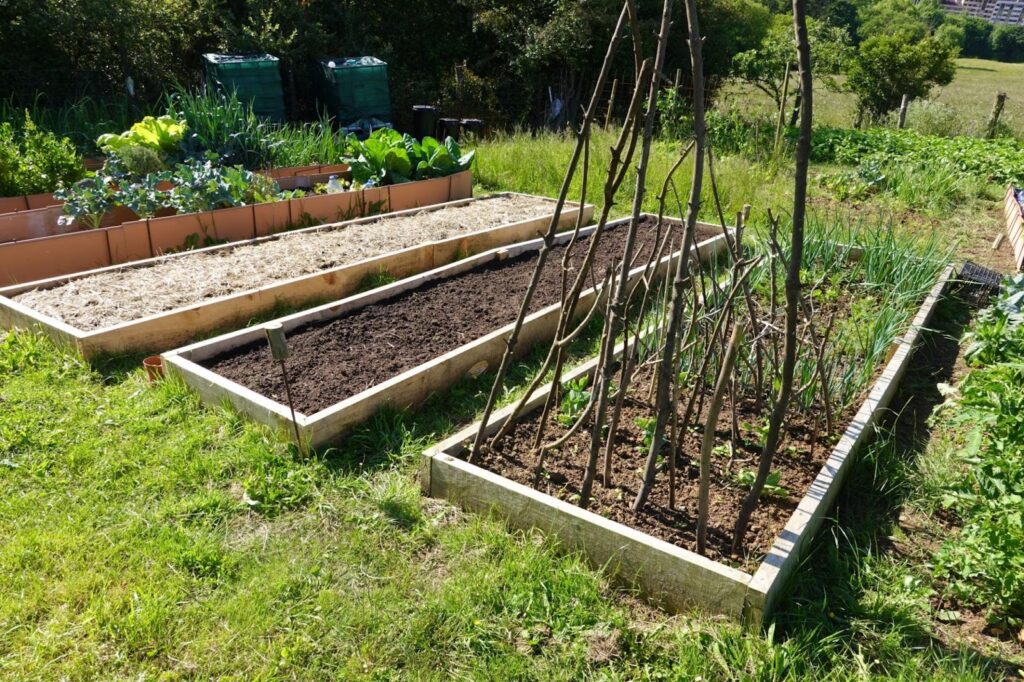
Video makes planning a garden layout easier to understand. Gardeners often struggle to visualize spacing, sunlight direction, and companion planting arrangements.
How does video improve clarity?
When explaining vegetable garden planning, an avatar can guide viewers through:
- Sun exposure mapping
- Bed spacing measurements
- Companion planting diagrams
- Seasonal crop rotation
Instead of reading measurements in a blog post, viewers see visuals while listening to step-by-step guidance. This combination helps beginners avoid costly planting mistakes.
Can video increase engagement?
Yes. Video content often generates higher engagement across platforms compared to text-only posts. For gardening brands, this means more shares, more saves, and better audience trust. When viewers consistently see a familiar digital presenter, the experience feels structured and professional.
Can You Create UGC Style Gardening Ads with AI Avatars?
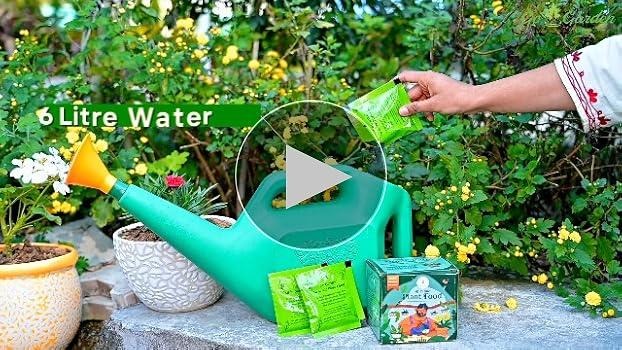
User-generated content style videos are highly effective for product promotion. An AI avatar generator allows gardening brands to create testimonial-style videos without hiring actors.
For example, you can produce:
- Product demos for pruning shears
- Testimonials for organic fertilizers
- Walkthroughs of irrigation systems
- Garden tool unboxing videos
Many creators use an AI avatar generator within platforms like invideo to build an AI-generated video that delivers a natural product explanation using text-to-speech narration. This approach keeps the tone educational while making the product benefits clear.
Because the script controls the message, brands can ensure accuracy while maintaining a friendly, conversational feel. This is particularly useful for small gardening businesses that want professional video content without large production budgets.
How Does Text-to-Speech Work for Gardening Content?
Text-to-speech avatars convert written scripts into spoken dialogue using natural-sounding voices. This is ideal for delivering gardening advice in multiple formats.
What steps are involved?
- Write your gardening script.
- Choose an avatar and voice style.
- Upload visuals such as garden layout diagrams.
- Generate and review the video.
This workflow supports everything from simple plant care tips to advanced vegetable garden planning workshops.
Can you personalize the content?
Yes, you can create customized introductions like:
- Welcome to this guide on planning a garden layout.
- Today, we will discuss how to prepare soil for tomatoes.
The avatar delivers the message consistently, making your content feel cohesive across YouTube, websites, and social platforms.
How Can Garden Businesses Scale with AI Avatars?
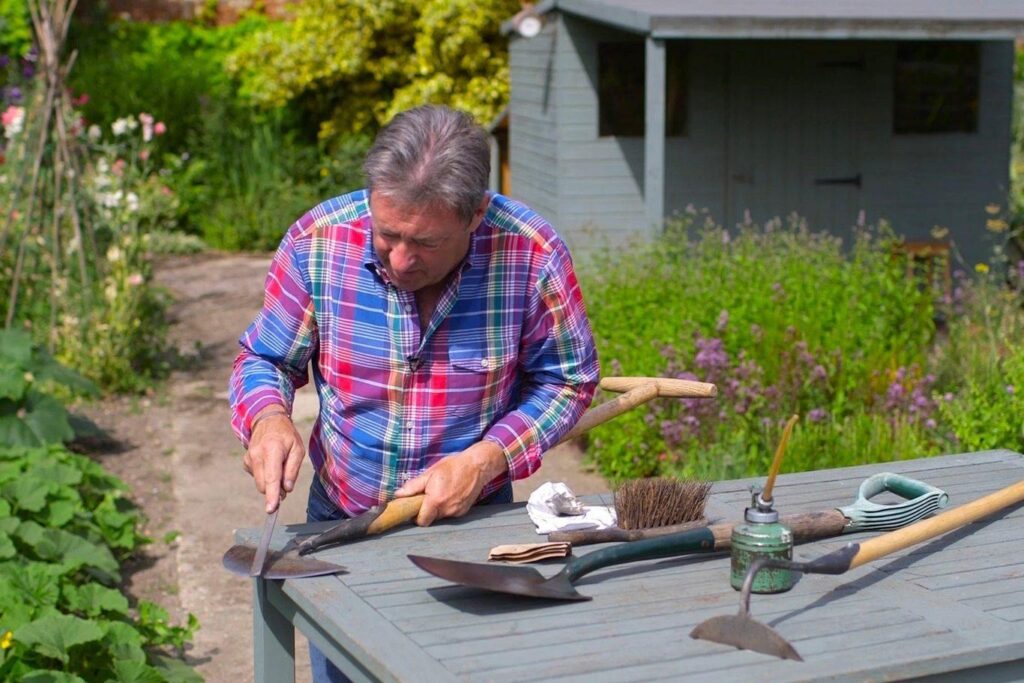
For gardening stores and landscaping services, scaling content is often a challenge. Filming outdoor demonstrations repeatedly can be time-consuming.
An AI avatar generator helps businesses produce:
- Weekly gardening advice videos
- Seasonal planting guides
- Product education content
- Customer onboarding tutorials
Because the production process starts from text, you can quickly create multiple variations for different crops or climate zones. This makes it easier to maintain a consistent publishing schedule while covering diverse topics like vegetable garden planning and greenhouse maintenance.
Conclusion
Turning gardening advice into video no longer requires cameras, microphones, or studio lighting. With an AI avatar generator, you can transform written guides into engaging lessons, product explainers, and educational tutorials. This approach supports everything from planning a garden layout to promoting seasonal planting kits.
As gardening audiences continue to search for visual learning formats, using an AI avatar generator allows educators and businesses to communicate clearly, consistently, and professionally. By combining structured scripts with digital presenters, you can share plant care knowledge in a format that modern viewers prefer.
FAQs
1. What is an AI avatar generator in simple terms?
An AI avatar generator is a tool that creates digital presenters who speak your written script using text-to-speech technology. It helps convert written gardening advice into professional-looking videos without recording yourself.
2. Can I use it for vegetable garden planning tutorials?
Yes. You can create step-by-step guides explaining soil preparation, bed spacing, and seasonal planting schedules. The avatar walks viewers through the process while visuals support the explanation.
3. Is it useful for gardening product ads?
Absolutely. It works well for UGC style ads, product demonstrations, and explainer videos for tools, fertilizers, and irrigation systems.
4. Do I need video editing skills?
No advanced editing skills are required. You mainly focus on writing clear scripts and selecting visuals that match your gardening topic.
5. Can I update videos for seasonal gardening advice?
Yes. You can modify the script and regenerate the video, making it easy to adapt content for spring, summer, or fall planting seasons.
6. Is it suitable for small gardening businesses?
Yes. It allows small businesses to create consistent, informative video content without investing in expensive production equipment.
7. How often should gardening brands publish video content?
Consistency matters more than volume. Posting one well-structured video per week on plant care or garden planning can steadily grow audience trust and engagement.